MinuteFile for Mac
Private local transcription
Turn meeting recordings into a searchable local archive.
Choose folders with completed meeting recordings. MinuteFile transcribes them locally when you ask — or when you explicitly opt a watched folder into automatic transcription — and keeps the editable transcripts searchable on your Mac. Your recordings and transcripts stay on your Mac — not uploaded to a cloud transcription service.
Prefer Homebrew? brew install --cask hboon/tap/minutefile
No account or subscription. A license costs US$39 paid upfront.
Build the archive from folders you choose.
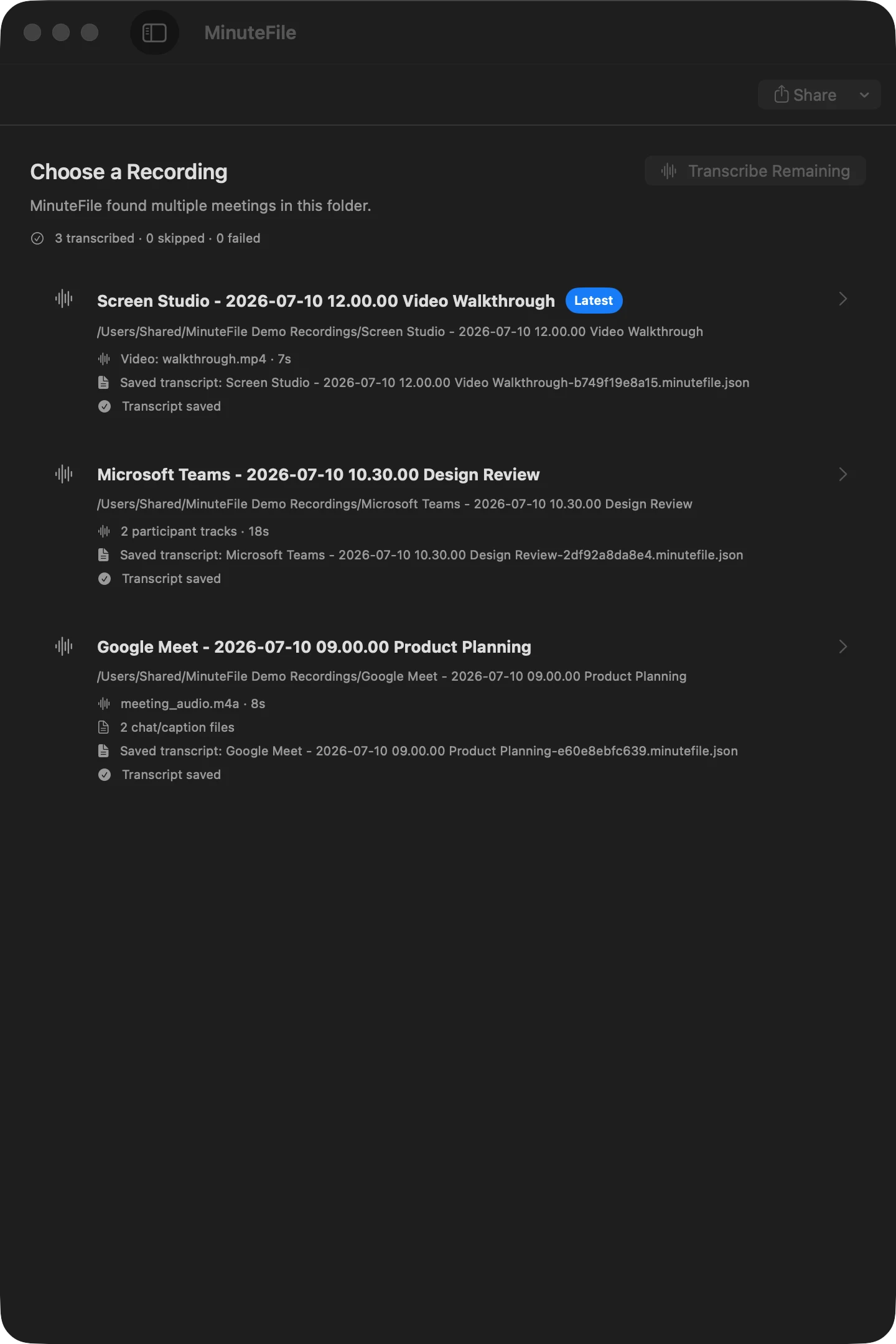
Import a meeting folder or a parent folder containing recordings from Zoom, Meet, Teams, Screen Studio, or another app.
Choose a folder
MinuteFile detects meetings and their audio, video, caption, and chat files.
Control the inbox
Watched folders are optional and default to adding stable recordings to your inbox without transcribing them.
Transcribe when ready
Start one recording or a batch yourself, or explicitly opt an individual watched folder into sequential local transcription.
Review and keep
Play the local recording, jump from timestamps, bookmark moments, correct the transcript, search, and export.
A different starting point
MinuteFile starts after the recording is on your Mac.
Live AI notetakers are built for capture during meetings and AI-generated notes. MinuteFile is for the recording folders you already have.
Use MinuteFile to transcribe locally, correct transcript text and speaker labels, find a passage later, and keep an archive you can export.
Bring existing transcripts into the same local archive.
Use an existing VTT, SRT, timestamped text, or plain TXT file as editable archive text without retranscribing it. Recognized timestamps keep their playback links. Plain text stays untimed.
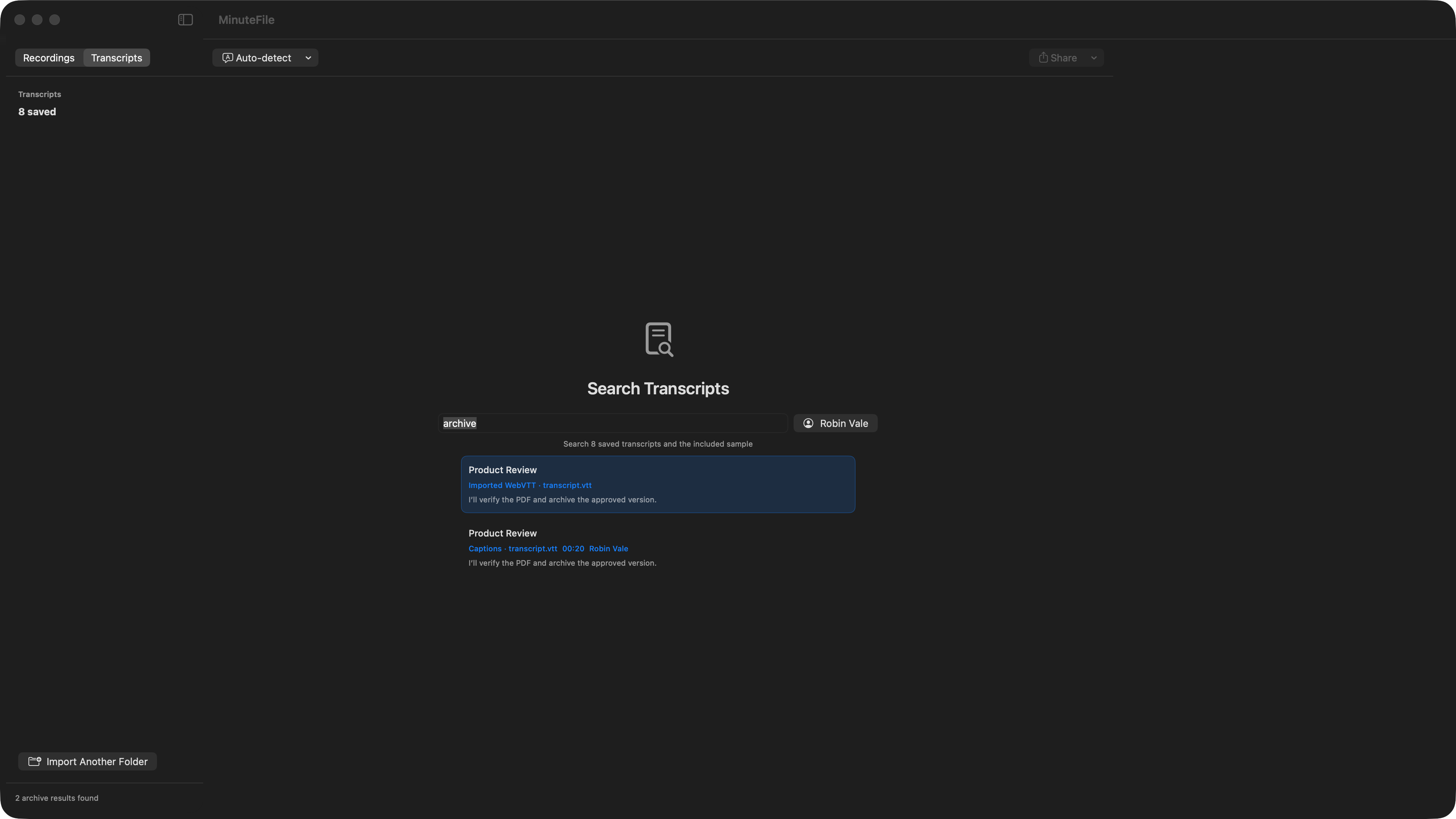
Open the included sample before choosing a private recording.
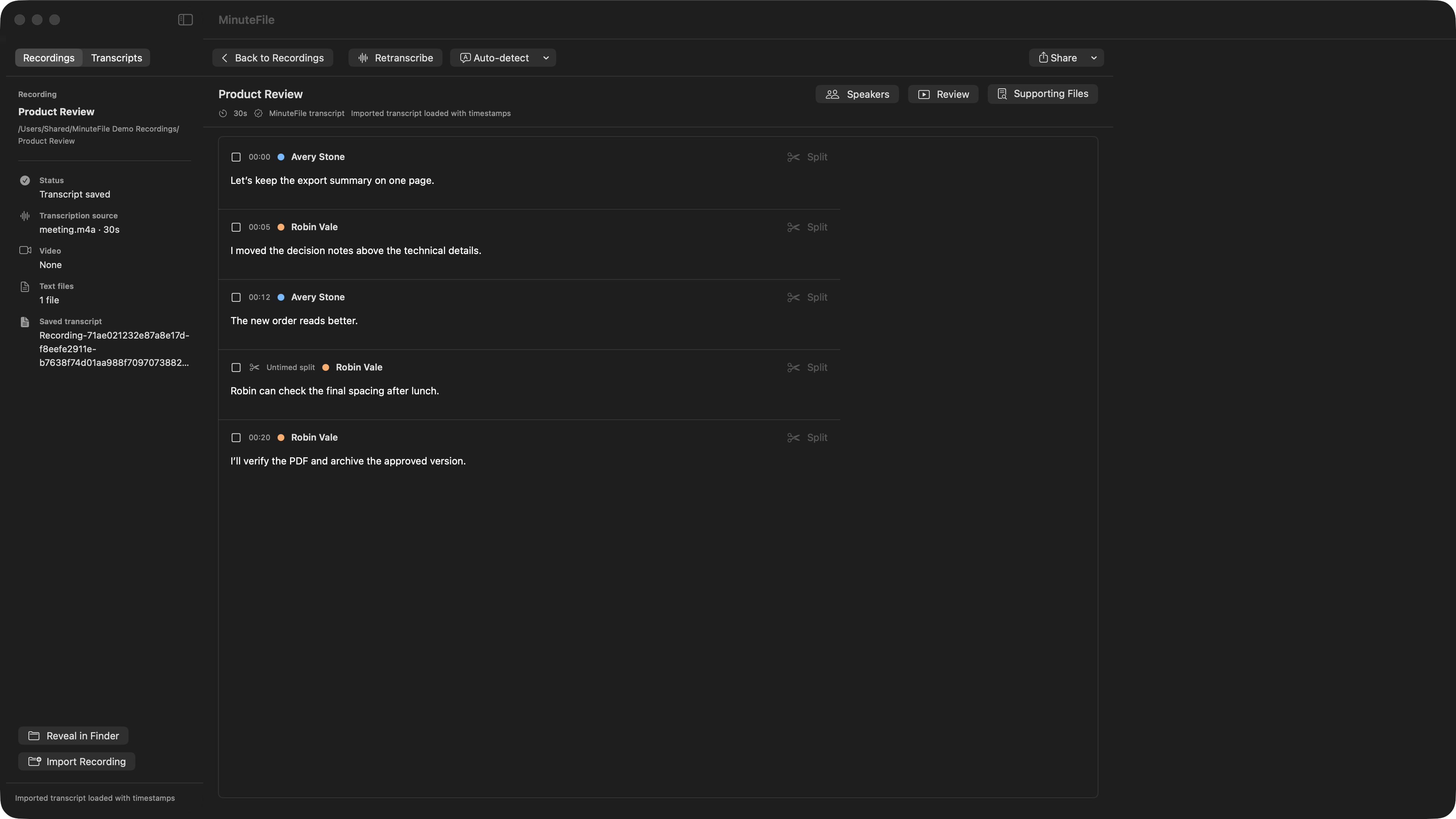
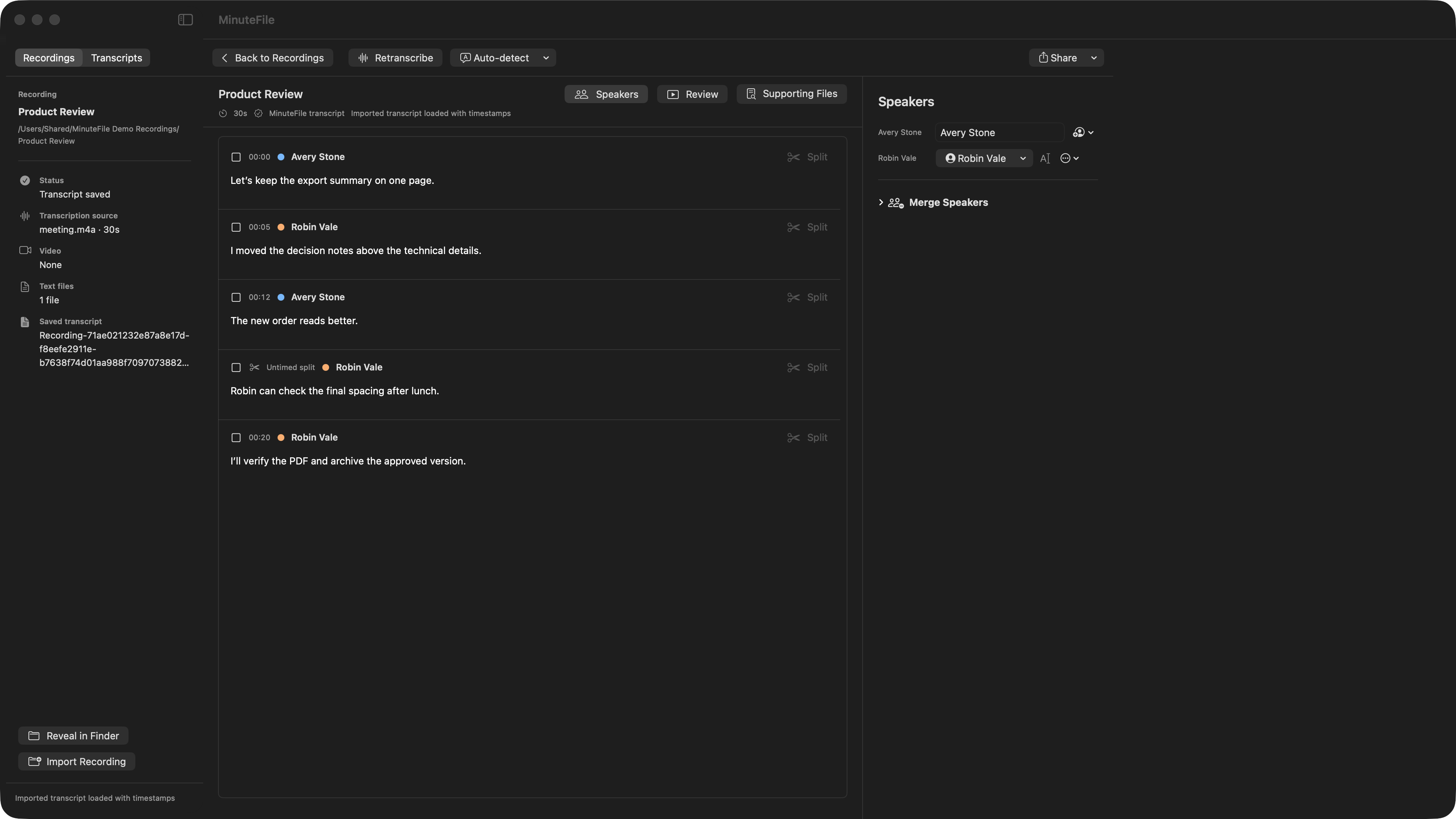
MinuteFile includes a small synthetic meeting with a ready-made transcript. Open it immediately to try local playback, timestamp navigation, review bookmarks, archive search, speaker repair, and export. It does not download a model, transcribe audio, or use one of your three trial transcriptions.
Try the complete workflow on three recordings.
No purchase is required for your first three transcriptions. After the trial, every transcript you already made remains readable, editable, searchable, shareable, and exportable. Further transcription or retranscription requires a MinuteFile license, purchased upfront for US$39.
Compare completed-recording workflows.
Choosing a transcription app depends on what happens before and after the transcript. Compare MinuteFile with MacWhisper for a broader Mac transcription workstation, MinuteFile with TurboScribe for cloud file throughput, MinuteFile with Otter.ai when imported files and live meeting knowledge overlap, or MinuteFile with Fathom AI when live capture and a completed local archive are different jobs. Use my local-versus-network checklist before putting a private recording into any app.
A transcript workspace, not a disposable text dump.
Your recordings stay your recordings.
MinuteFile has no account, backend, or cloud transcription API. Model downloads and update checks use the internet; transcription and transcript storage stay on your Mac.
MinuteFile terms · MinuteFile privacy · MotionObj terms · Support